Go to https://gtestimate.mygtmotive.com to access the login page. Click on Password Reset.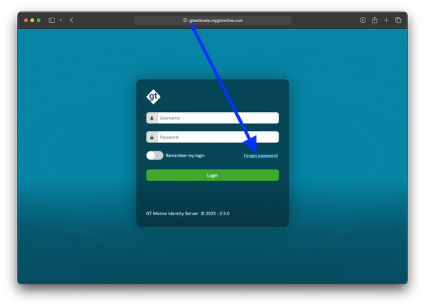
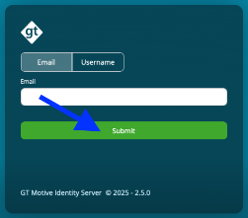
Now enter either your email address or the username you registered with GT Motive and click "Submit".
 This message should now appear in your browser's language: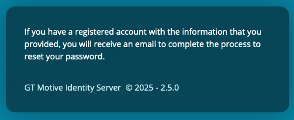
In the email you have received, click on the link to reset your password:

You will then be asked to enter your email address again and to enter your new desired password twice. You can then save this by clicking on the green button.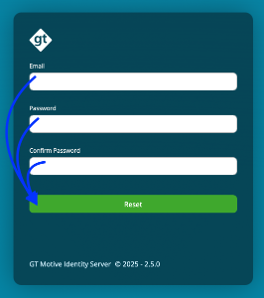
IMPORTANT - You log in with your Username + Password, not with your Email.
Was this article helpful?
That’s Great!
Thank you for your feedback
Sorry! We couldn't be helpful
Thank you for your feedback
Feedback sent
We appreciate your effort and will try to fix the article